Keep the queue moving,kitchen never overwhelmed
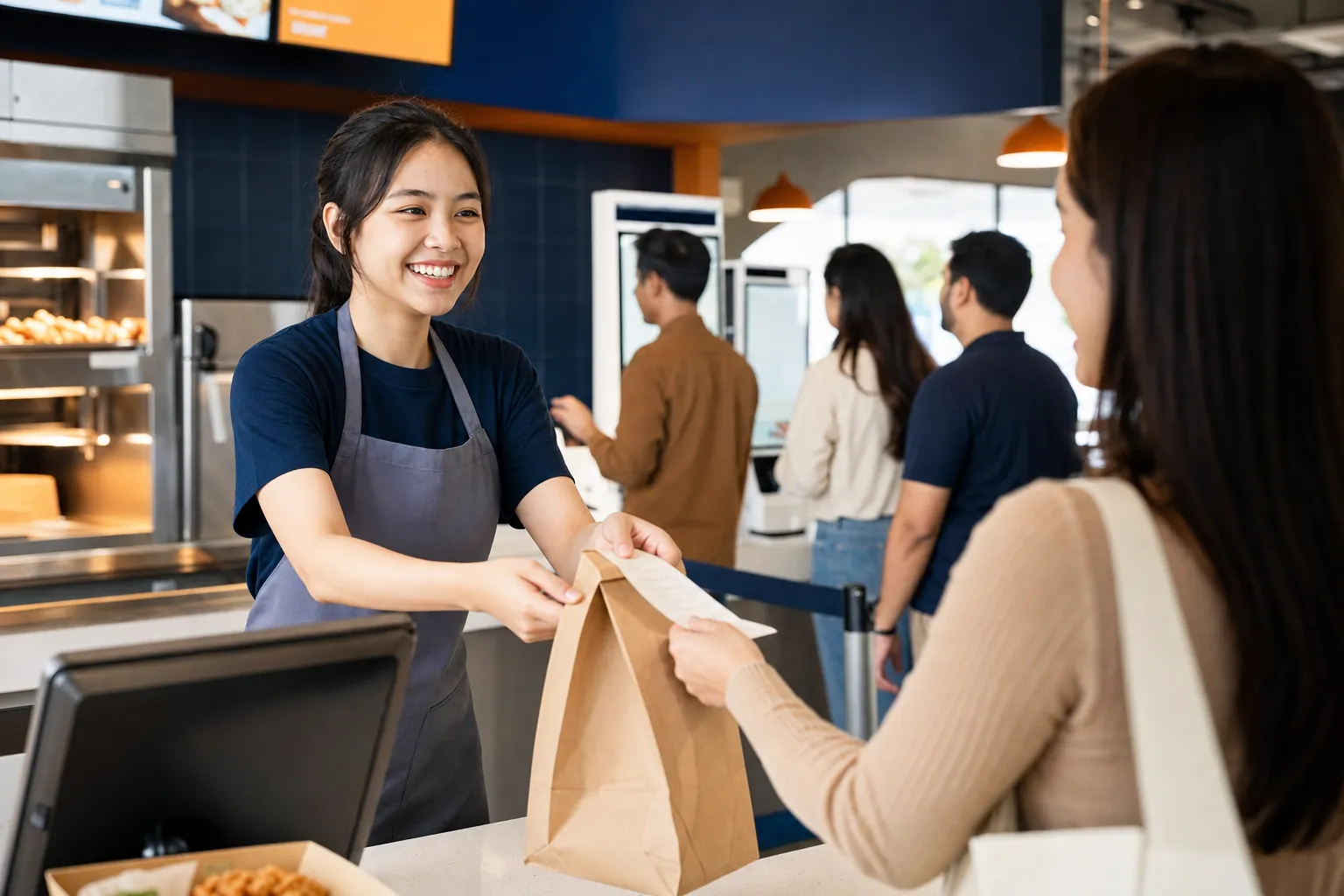
For quick service restaurants — a fast no-table cashier, self-order kiosks, and kitchen displays so busy orders stay tidy and the queue keeps moving.
Free 14-day trial. No credit card.
Lightning
Compact checkout without tables
Self-service
Kiosk & QR untangle the cashier queue
Real-time
Order status on KDS & ODS
Queue No.
Orders never mixed up
Challenges
What makes quick-service operations hard
Three obstacles that appear precisely at the busiest, most decisive hours.
Queues pile up at lunch hour
During rush hour, long queues drive prospects away and lose sales at the busiest time.
The cashier becomes the bottleneck
All orders pile up at one cashier point, slowing service and pressuring staff.
Orders mixed up between counter and kitchen
Without a clear flow, counter and kitchen orders get mixed up — complaints rise, ingredients wasted.
Core Capabilities
Built for speed and busy hours
Not just a cashier — a system that keeps the queue moving and the kitchen tidy at its busiest.
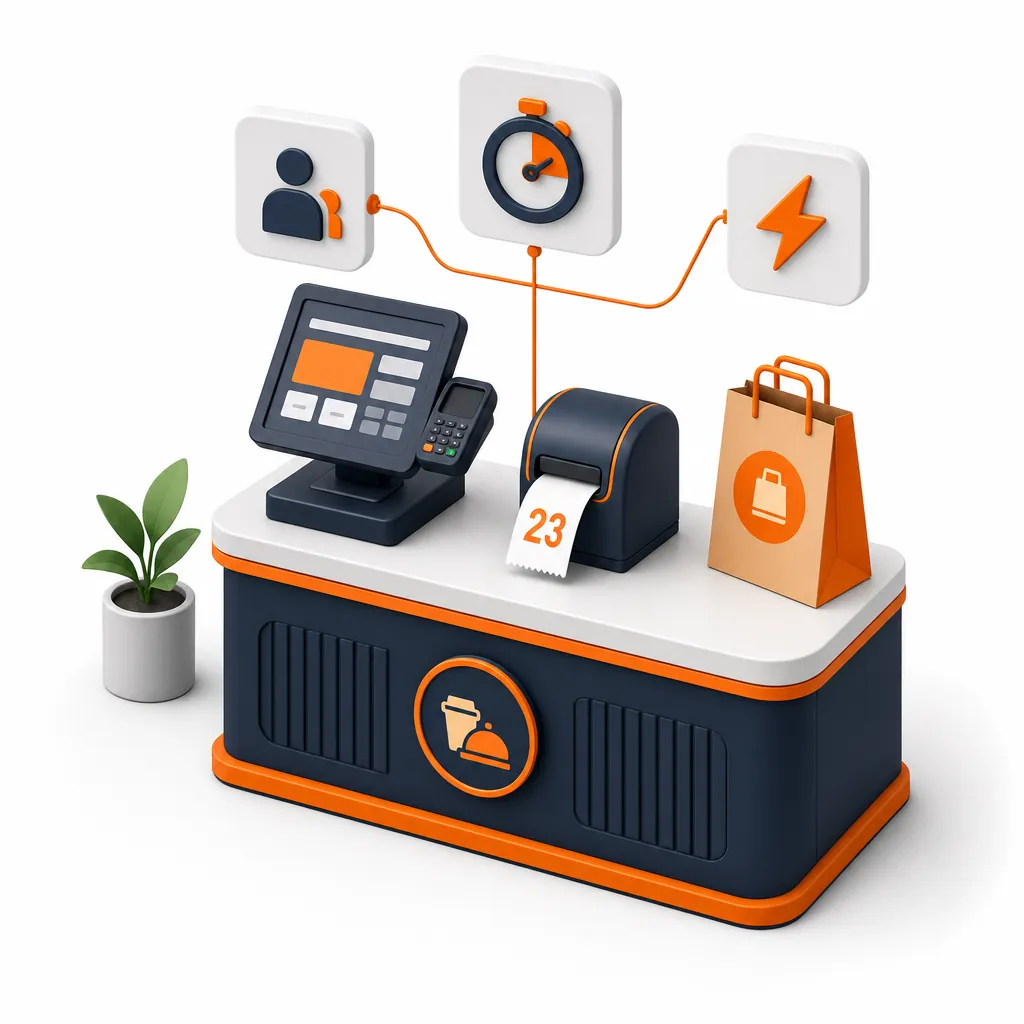
Order, pay, queue number — that fast
A compact cashier flow without table management: pick the menu, accept payment, print a queue number. Built for maximum speed at peak hours.
- Compact cashier flow without tables
- Lightning payments: QRIS, card, e-wallet
- Queue number printed automatically per order
Add order points without adding cashiers
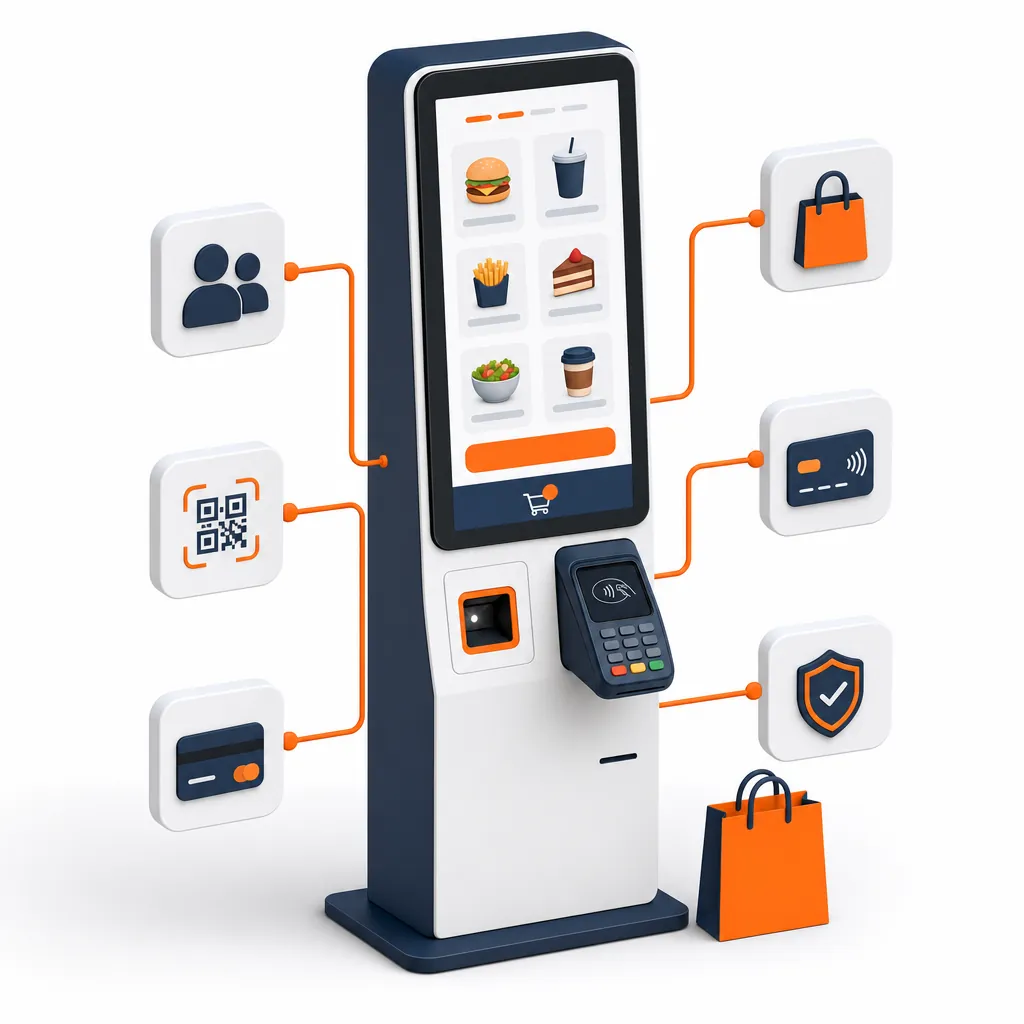
Install touchscreen kiosks so customers order and pay themselves. The cashier queue untangles, and automatic upsell raises transaction value.
- Customers order & pay themselves at the kiosk
- Automatic upsell & recommendations
- Add ordering capacity without adding staff
Kitchen & customers see the same status
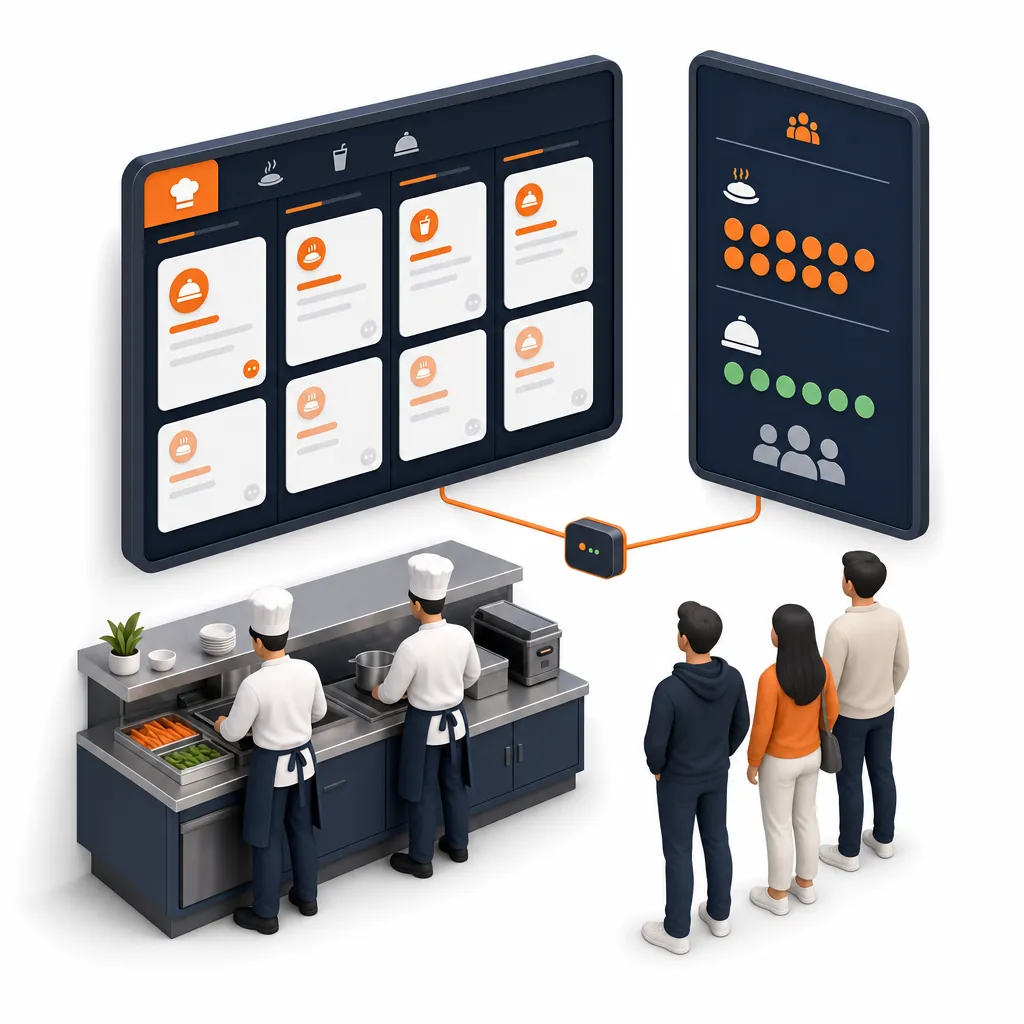
Orders appear instantly on the Kitchen Display per station, while the queue display (ODS) shows "in progress" and "ready to pick up" numbers for customers.
- Real-time kitchen tickets per station
- Queue display "in progress" & "ready to pick up"
- Fewer mixed-up orders & customer questions
One Smooth Flow
From order, pay, to ready — fast
Every step is connected and shares the same data in real time.
Order
At the cashier, self-order kiosk, or scan a QR.
Pay fast
QRIS, card, or e-wallet — instantly settled.
Get a number
A queue number is printed/shown automatically.
Kitchen processes
Orders appear on the KDS per station.
Ready to pick up
The number shows "ready" on the queue display (ODS).
One Ecosystem
Backed by tightly integrated products
Enable what your outlet needs — they all share the same menu, orders, and data.
Enterprise Scale
Built for high volume and busy hours
Built for quick-service brands serious about growth — fast when busy, consistent across outlets, and stable in any condition.
Withstand peak volume
Compact flow, kiosks, and KDS keep throughput high during rush hour without adding cashiers.
Multi-outlet scale
Standardize menus & prices across all outlets from HQ with real-time consolidated reports.
Offline-first
The queue keeps running even when the internet drops; transactions sync automatically once online.
Priority support
A local team helps set up your QSR flow, kiosks, and queue displays through daily operations.
Common Questions
What quick-service owners often ask
Is there a table-less mode specific to QSR?
Yes. Quick service mode removes table management and uses an order–pay–queue-number flow for very fast transactions, ideal for fast food and fast casual.
How does the self-order kiosk help the queue?
The kiosk adds ordering points without adding cashiers. Customers order and pay themselves, so the cashier queue untangles and automatic upsell raises order value.
Can customers see their order queue number?
Yes. The queue display (ODS) shows order numbers in progress and ready to pick up in real time, following the kitchen (KDS) progress.
Suitable for high-volume outlets?
Absolutely. The compact flow, kiosks, and KDS are designed to keep throughput high at the busiest hours, and stay stable even when the internet is disrupted.
Still have questions? Contact our team or see all FAQs.
Ready to grow your business?
Join thousands of restaurants already using F&B POS. Start your free trial today.